

Adidas Hipobuy Spreadsheet
Browse Adidas finds with product photos and estimated prices.
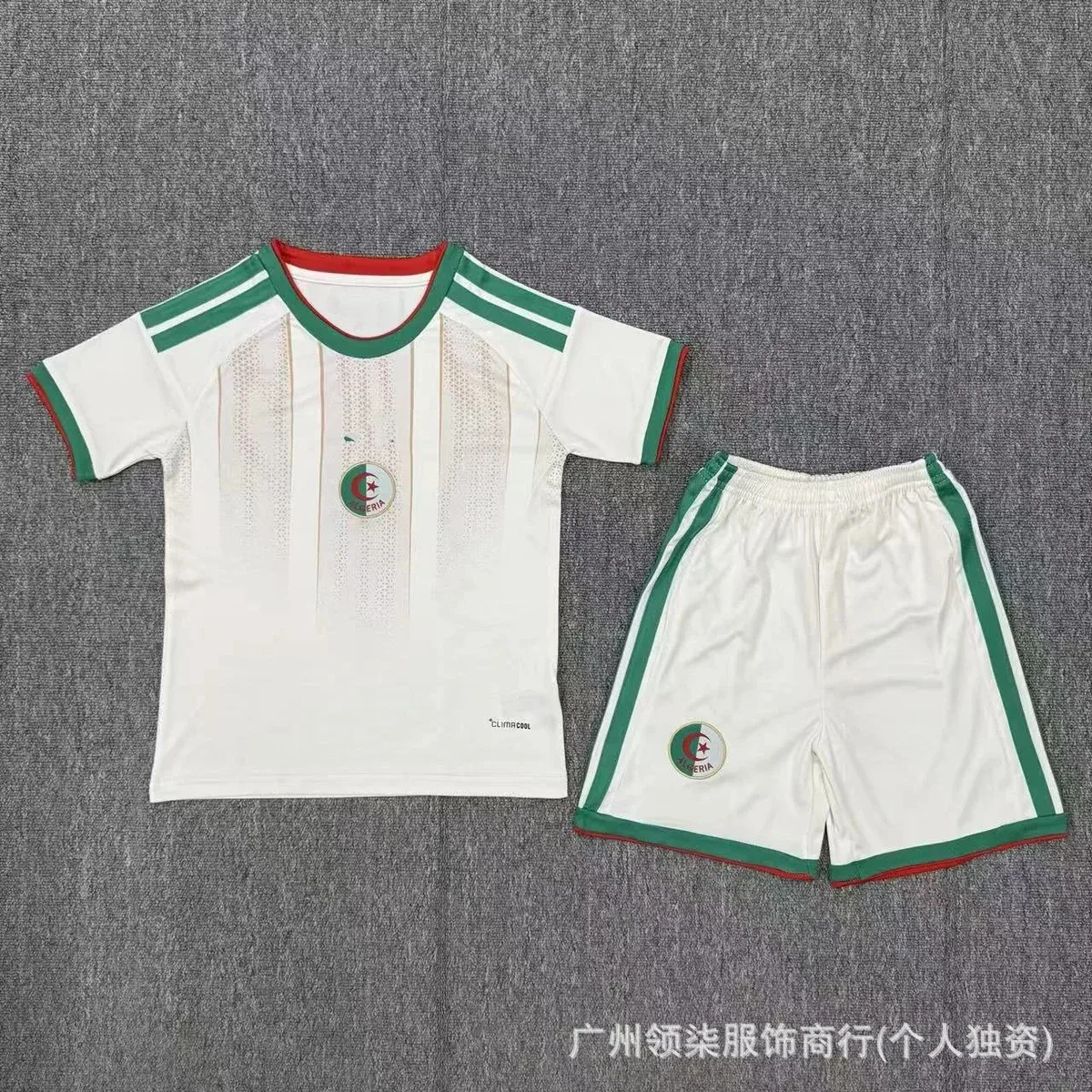


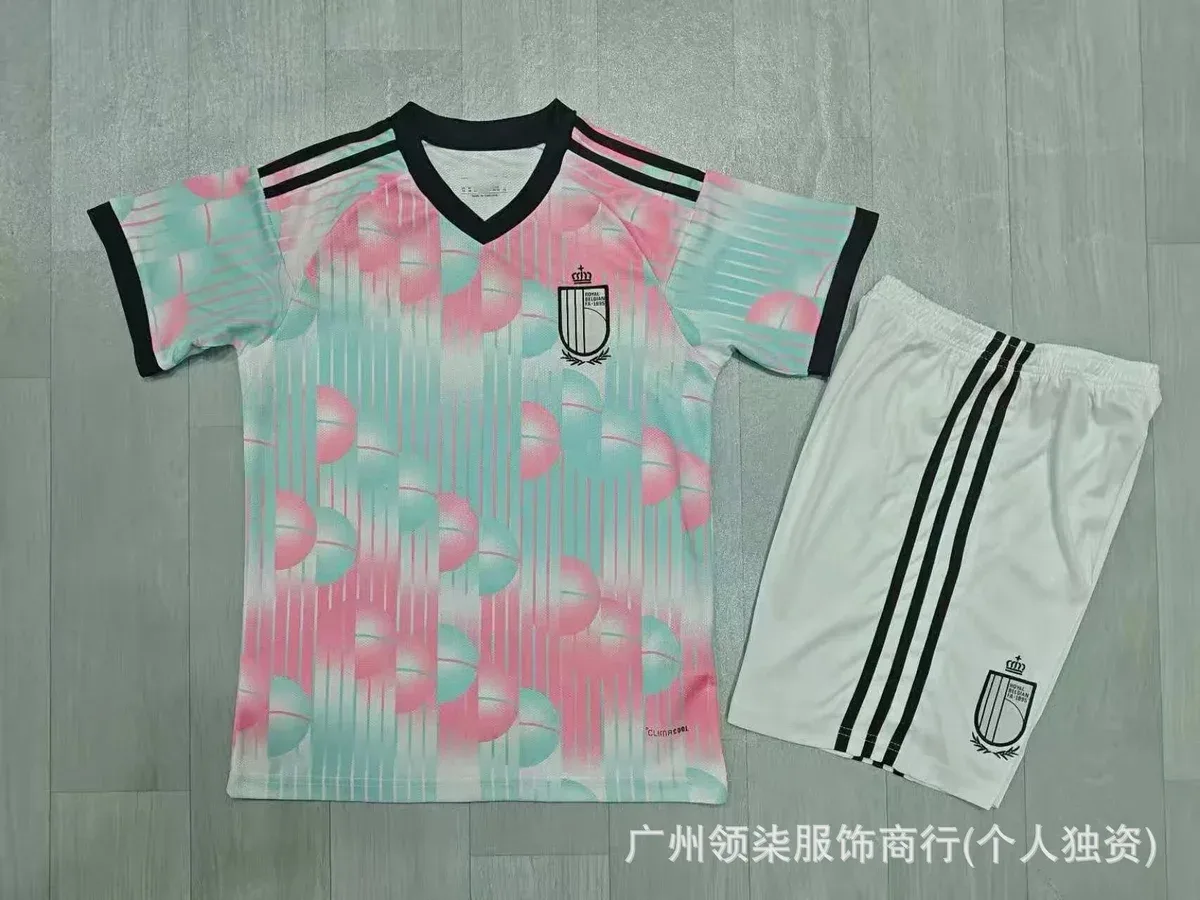
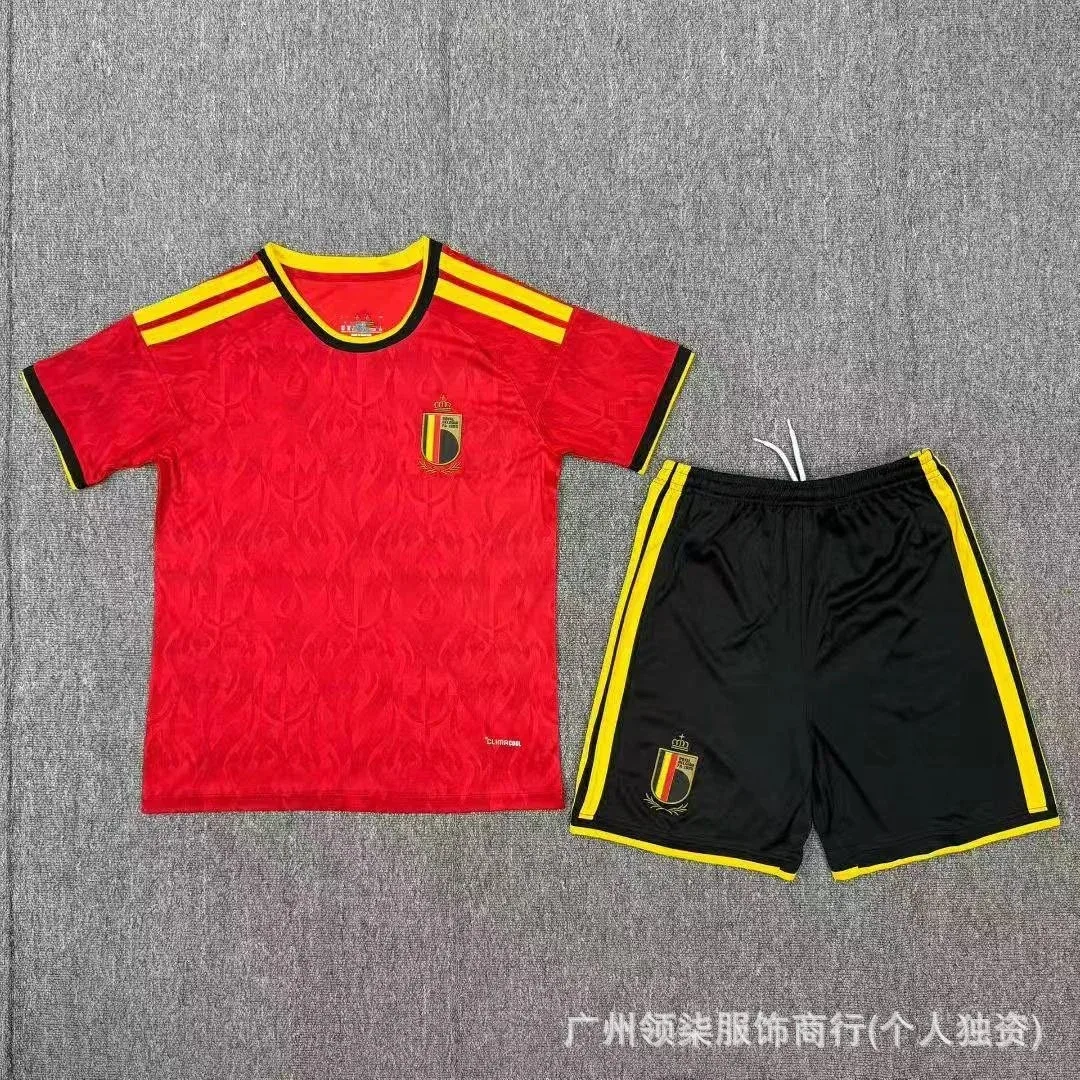

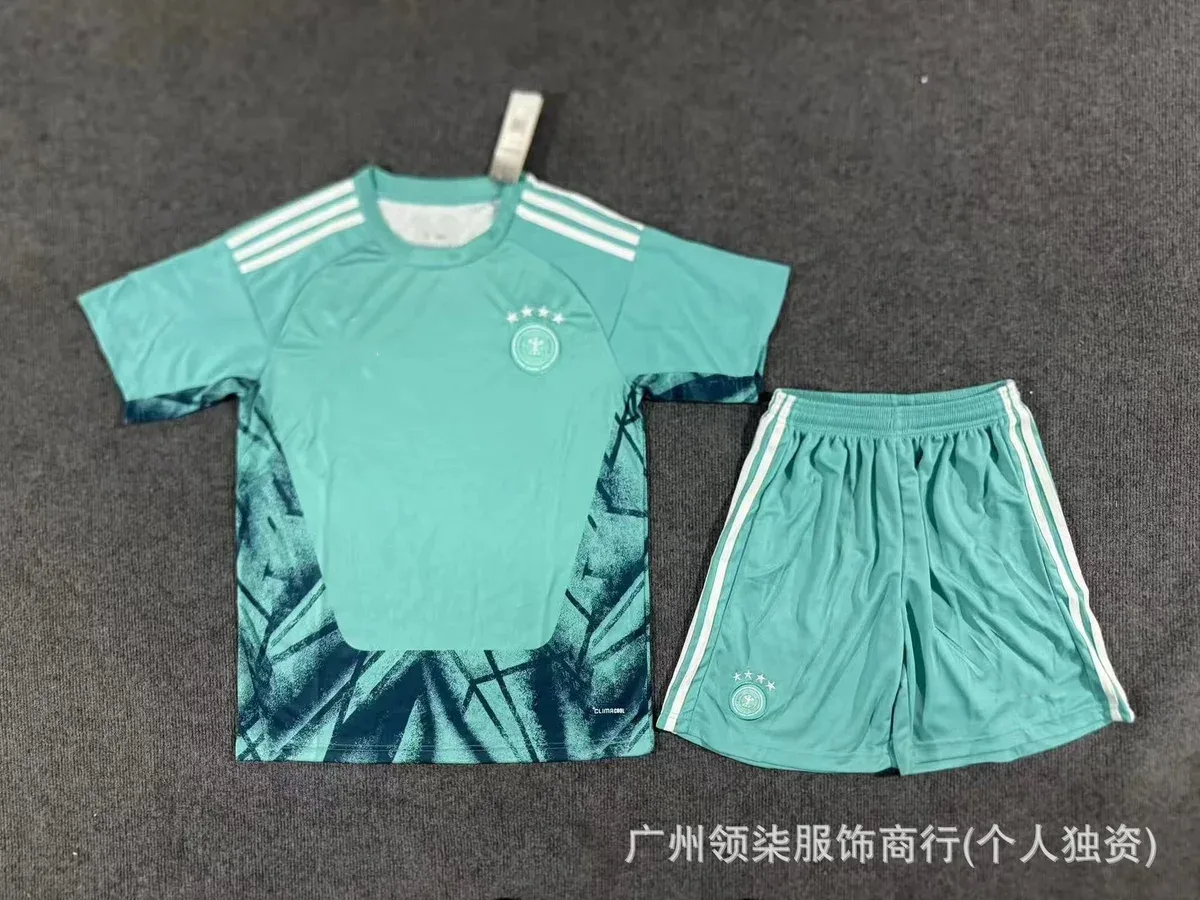
View more
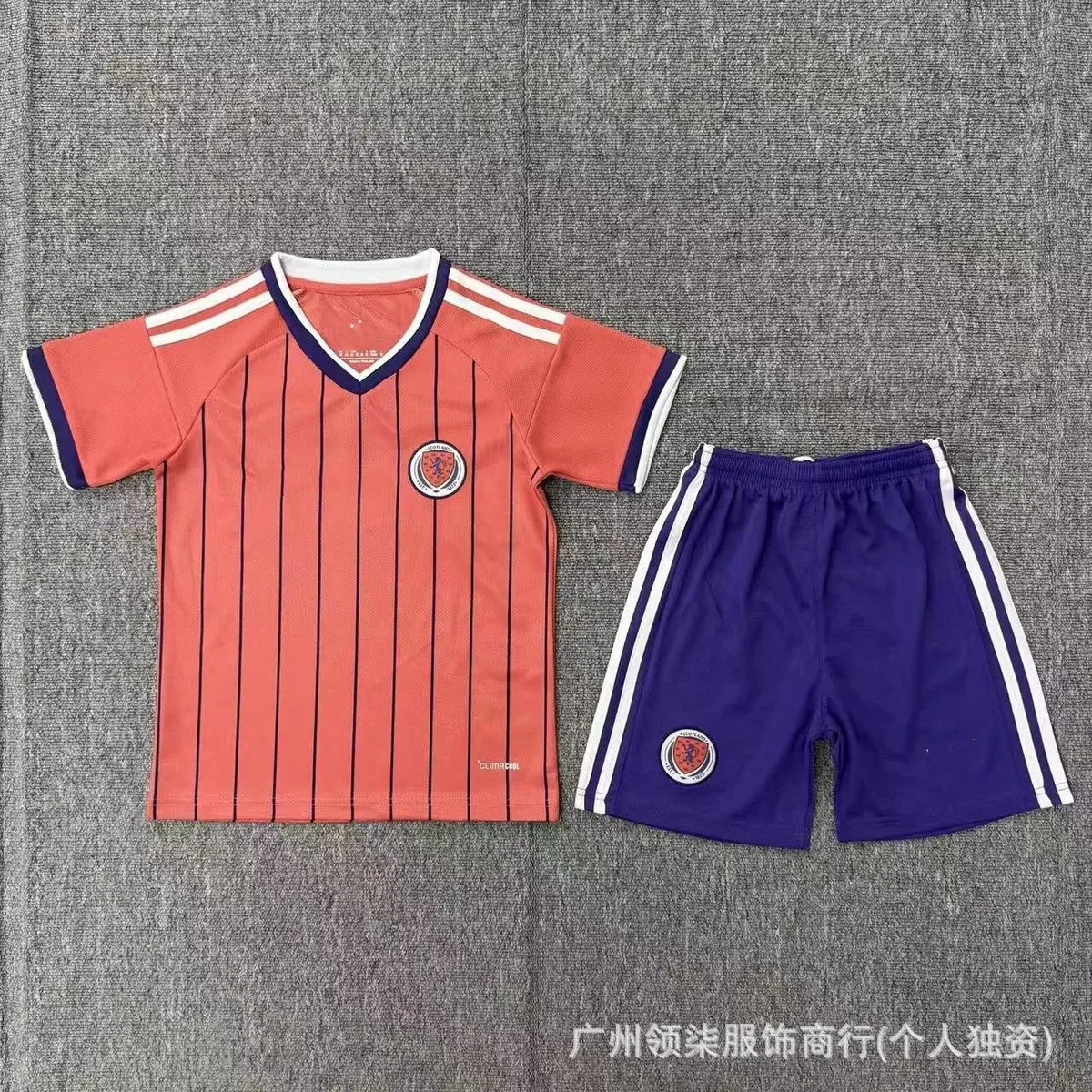

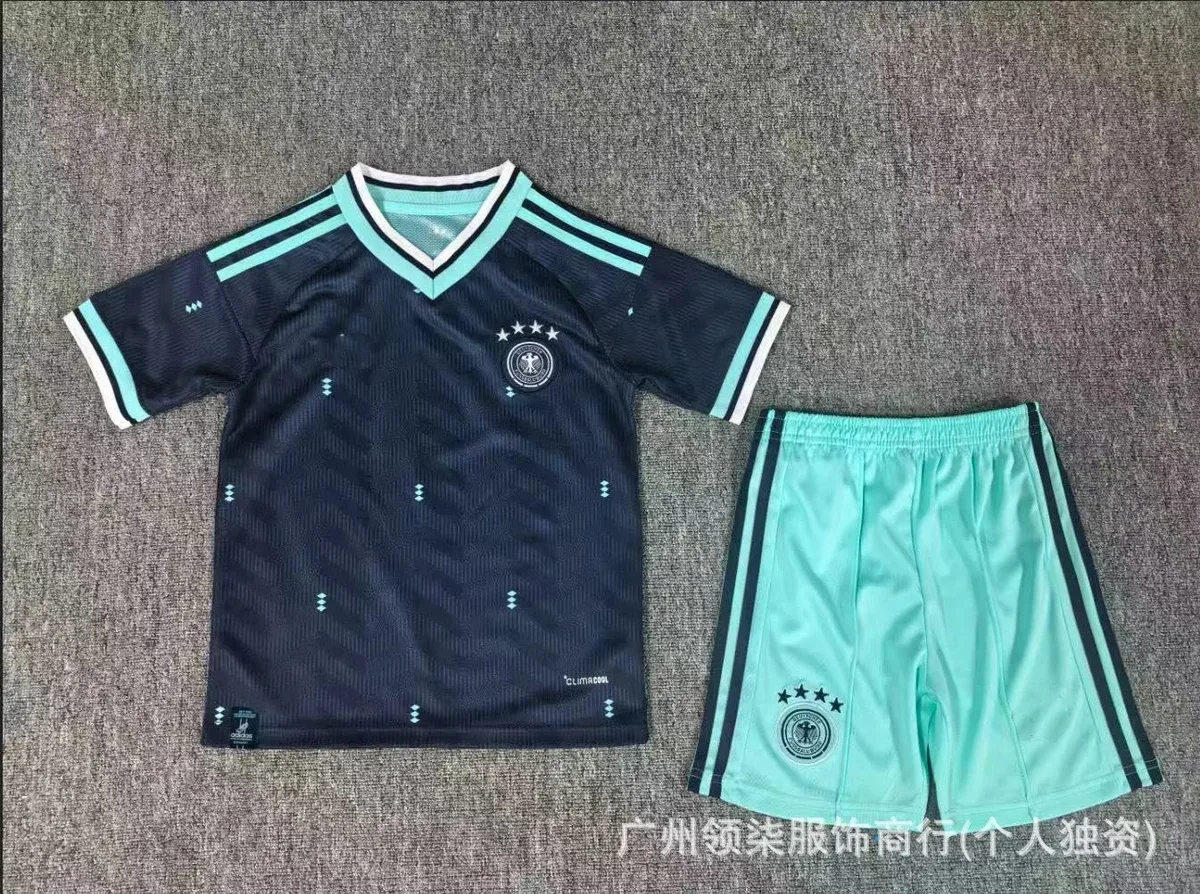


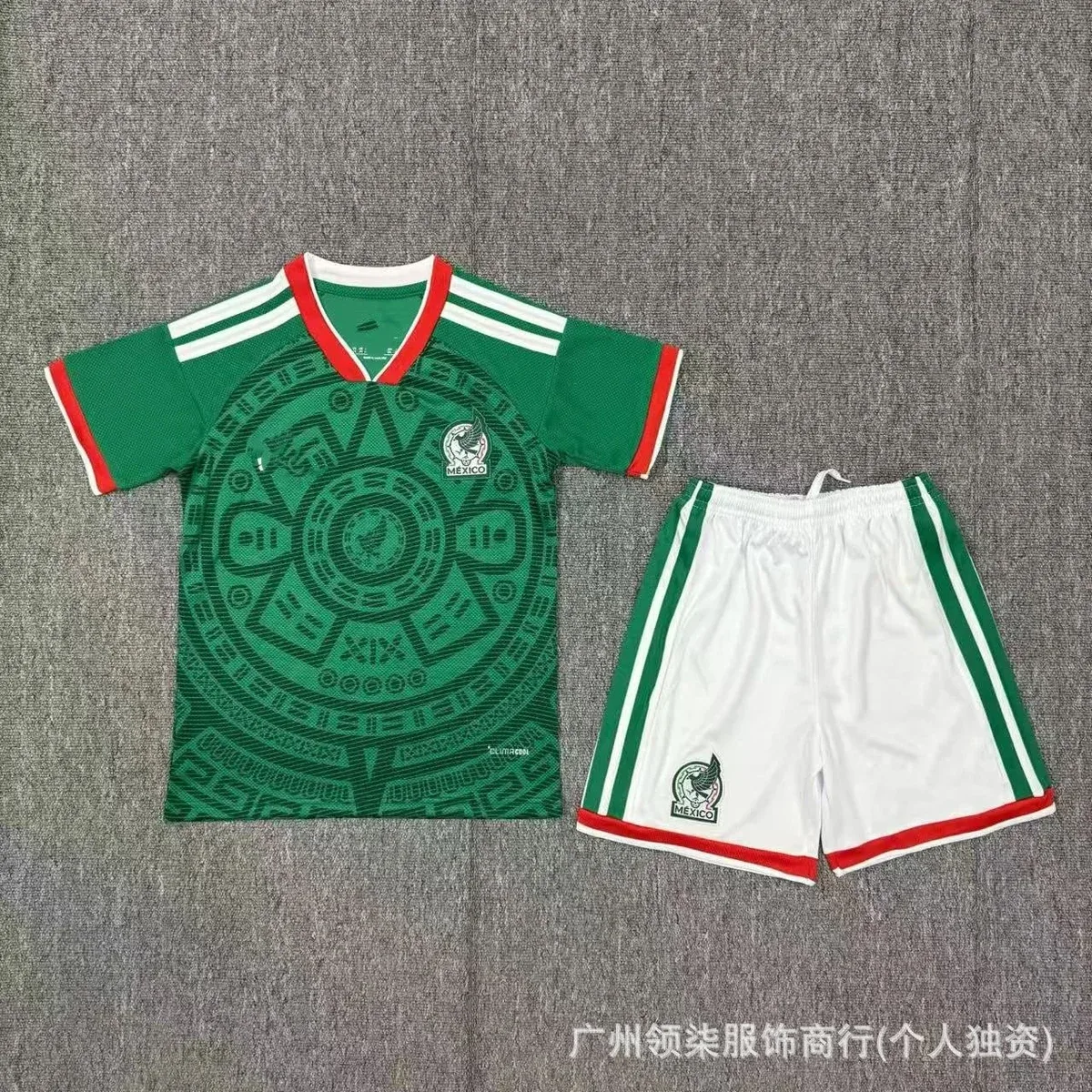


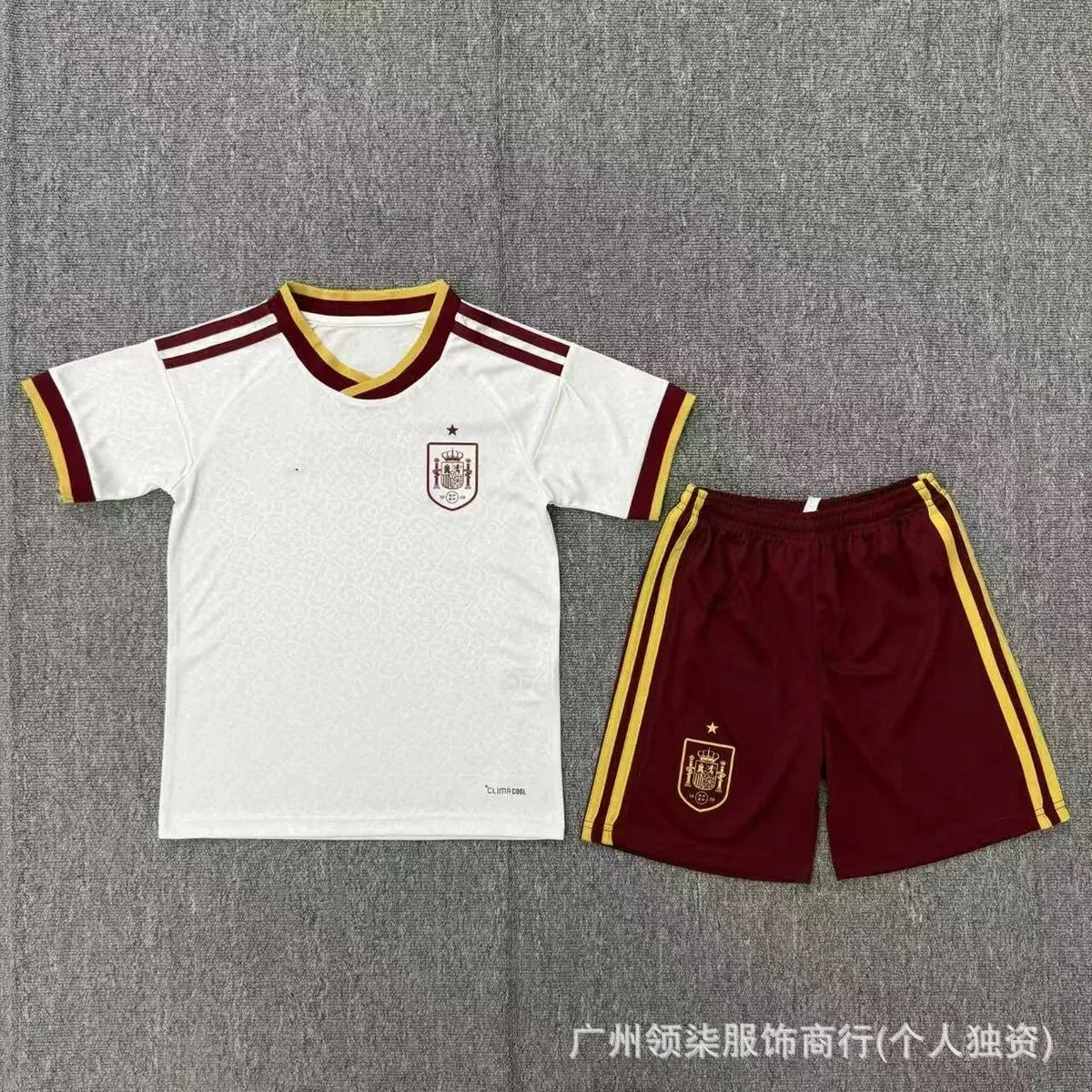


Using Adidas finds in spreadsheet shopping
Adidas brand pages in the Hipobuy spreadsheet niche usually pull Samba- and Campus-style trainers, running shoes, and sportswear sets. Seller titles blur lines between silhouettes—always match photos and model notes on the live page before you pay the item stage.
Links rot when shops rename or restock. Re-open the live URL every session. Community QC counts help you shortlist; your warehouse set decides whether stripe alignment and shape are acceptable.
Related guides: What is it · Find products · Submit order · QC photos · Fees & FX · Hipobuy shipping guide
How to browse Adidas Hipobuy spreadsheet finds
Open the live Adidas listing for colorway and size, then paste the full URL into Hipobuy. Do not trust the brand tag alone when titles mix lifestyle trainers.
Adidas Hipobuy Spreadsheet FAQ
What is an Adidas Hipobuy spreadsheet row?
A directory lead for Adidas-tagged Weidian, Taobao, or 1688 listings—often Samba, Campus, running shoes, and sportswear. Open the live page for colorway and size, then paste into Hipobuy.
How do I QC Adidas Samba or Campus pairs from a spreadsheet?
On warehouse photos, check overall shape, three-stripe alignment, tongue labels, and sole details against the listing. Community QC counts are only a shortlist hint—see the QC photos guide.
Do Adidas Hipobuy spreadsheet finds include Yeezy-style shoes?
Sometimes. Snapshots and seller titles mix lifestyle trainers under Adidas-adjacent tags. Always read the live title and photos rather than trusting the brand filter alone.